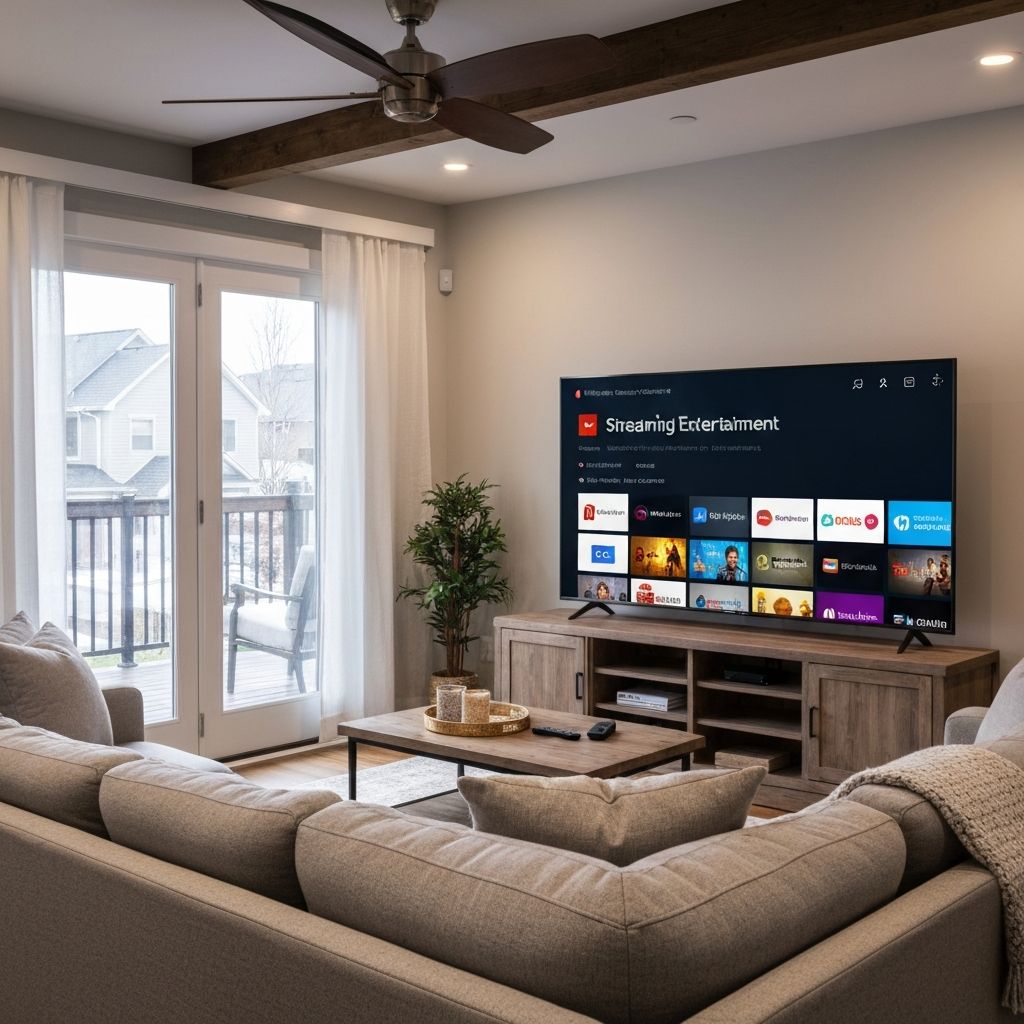
How to Watch IPTV on Smart TV in Canada (2026 Guide)
Millions of Canadians have made the switch from traditional cable to IPTV, and the smart TV in your living room is the perfect device to enjoy it. With cable bills climbing past $100 per month and offering fewer channels, IPTV Smart TV Canada has become the go-to solution for households that want more content at a fraction of the cost.
This guide explains what IPTV on a smart TV is, why it offers a better viewing experience than cable, how to install IPTV on your smart TV step by step, and which IPTV service delivers the best IPTV for smart TV Canada viewers in 2026.
What is IPTV on Smart TV
IPTV stands for Internet Protocol Television. Instead of receiving television signals through cable wires or satellite dishes, IPTV delivers live TV, movies, and on-demand content over your internet connection. When you watch IPTV on smart TV Canada, you are streaming content directly to your television using an app.
Smart TVs from Samsung, LG, Sony, Hisense, TCL, and other manufacturers have built-in app stores where you can download IPTV player applications. Once installed, you enter your IPTV subscription credentials, and thousands of live channels become available on your big screen.
The experience is similar to using Netflix or other streaming apps, but instead of just movies and series, you get live television from around the world, including Canadian channels, American networks, sports, news, entertainment, and international programming.
For a comprehensive overview of IPTV services available to Canadian viewers, read our guide to the best IPTV in Canada.
Benefits of Watching IPTV on Smart TV
Watching IPTV on your smart TV offers several advantages over other devices and traditional cable television:
Large Screen Experience
Your smart TV provides the best viewing experience for IPTV. Whether you have a 43-inch, 55-inch, 65-inch, or larger display, watching live sports, movies, and TV shows on a big screen is far more immersive than streaming on a phone, tablet, or computer. Family movie nights and game day gatherings are meant for the living room TV.
HD and 4K Streaming
Modern smart TVs support Full HD (1080p), 4K Ultra HD, and even 8K resolution on premium models. Quality IPTV providers deliver streams that take full advantage of your TV's capabilities. Premium services like Tivoo offer HD as standard across all channels, with 4K and 8K available for select content and major events.
Easy Installation
Setting up IPTV on a smart TV is straightforward. If your TV runs Android TV, Google TV, Samsung Tizen, LG webOS, or another smart platform, you can typically download an IPTV app directly from the built-in app store. No additional hardware is required, and the entire process takes just a few minutes.
No Cable Subscription Required
IPTV eliminates the need for expensive cable or satellite subscriptions. You do not need to rent equipment, pay installation fees, or sign long-term contracts. All you need is your smart TV, an internet connection, and an IPTV subscription to access thousands of channels and on-demand content.
How to Install IPTV on Smart TV
The installation process varies slightly depending on your smart TV brand, but the general steps are similar. Here is how to install IPTV smart TV Canada:
Samsung Smart TV (Tizen OS)
- Press the Home button on your Samsung remote.
- Navigate to Apps.
- Use the search function to find an IPTV player like IPTV Smarters Pro or Smart IPTV.
- Download and install the app.
- Open the app and enter your IPTV subscription credentials (username, password, and server URL).
- Wait for your channel list to load and start watching.
LG Smart TV (webOS)
- Press the Home button on your LG remote.
- Go to the LG Content Store.
- Search for an IPTV app like Smart IPTV or SS IPTV.
- Install the app on your TV.
- Launch the app and configure it with your IPTV subscription details.
- Your channels will load automatically once connected.
Android TV and Google TV
- From the home screen, open the Google Play Store.
- Search for IPTV Smarters Pro, TiviMate, or OTT Navigator.
- Install your preferred IPTV player app.
- Open the app and select Add User or Login.
- Enter your IPTV credentials using Xtream Codes API or M3U URL.
- Your full channel lineup will appear once connected.
If your smart TV does not support IPTV apps natively, you can connect an Amazon Firestick or Android TV box to add IPTV functionality. Learn how to install IPTV on Firestick with our step-by-step guide.
Best IPTV Service for Smart TVs in Canada
Not all IPTV providers deliver the same experience on smart TVs. You need a service with reliable servers, compatible apps, and high-quality streams optimized for large screens. Tivoo IPTV is the best IPTV for smart TV Canada in 2026 because it delivers:
- 20,000+ live channels: Access Canadian, American, UK, European, Middle Eastern, Asian, and Latin American content. Every major network and genre is covered.
- 60,000+ movies and series: A massive on-demand library with the latest releases, classic films, and complete TV series. New content added regularly.
- HD / 4K / 8K streaming: Crystal clear picture quality that takes full advantage of your smart TV's resolution. HD is standard, with 4K and 8K available for premium content.
- Anti-freeze technology: Advanced server infrastructure ensures buffer-free streaming, even during peak hours and high-traffic events like playoffs and PPV fights.
- Multi-device compatibility: Use Tivoo on your smart TV, plus Firestick, Android devices, iPhones, tablets, and computers. One subscription works across all your devices.
Tivoo is fully compatible with all major smart TV platforms including Samsung Tizen, LG webOS, Android TV, Google TV, and others. Setup takes just minutes, and 24/7 customer support is available via WhatsApp, email, or live chat if you need assistance.
Plans start at just $15 per month with no contracts or hidden fees. Monthly, quarterly, semi-annual, and annual options are available with discounts for longer commitments.
Start Watching IPTV on Your Smart TV Today
Get instant access to 20,000+ live channels and 60,000+ movies on your smart TV. HD/4K/8K streaming, anti-freeze technology, and 24/7 support. No cable, no contracts, instant activation.
Frequently Asked Questions
Can I watch IPTV on a smart TV in Canada?
Yes. Most smart TVs from Samsung, LG, Sony, Hisense, TCL, and other brands support IPTV apps. You can download an IPTV player from your TV's app store, enter your subscription credentials, and start streaming thousands of live channels and on-demand content directly on your smart TV.
What is the best IPTV for smart TVs?
Tivoo IPTV is one of the best IPTV services for smart TVs in Canada. It offers 20,000+ live channels, 60,000+ movies and series, HD/4K/8K streaming quality, anti-freeze technology for buffer-free viewing, and full compatibility with Samsung, LG, Android TV, and other smart TV platforms.
Is IPTV legal in Canada?
Yes, IPTV technology is completely legal in Canada. Major providers like Bell, Rogers, and Telus use IPTV to deliver their television services. The legality depends on the specific provider and their content licensing. Always choose a reputable and transparent IPTV provider like Tivoo.
Do I need a special app for IPTV on smart TV?
Yes, you need an IPTV player app to watch IPTV on your smart TV. Popular options include IPTV Smarters Pro, Smart IPTV, TiviMate, and OTT Navigator. These apps are available in your TV's app store and allow you to enter your IPTV subscription credentials to access live channels and VOD content.
Tivoo Team
The Tivoo team writes guides and tips to help Canadians get the most out of IPTV streaming.