Install IPTV on Firestick Canada in 5 Minutes (2026)
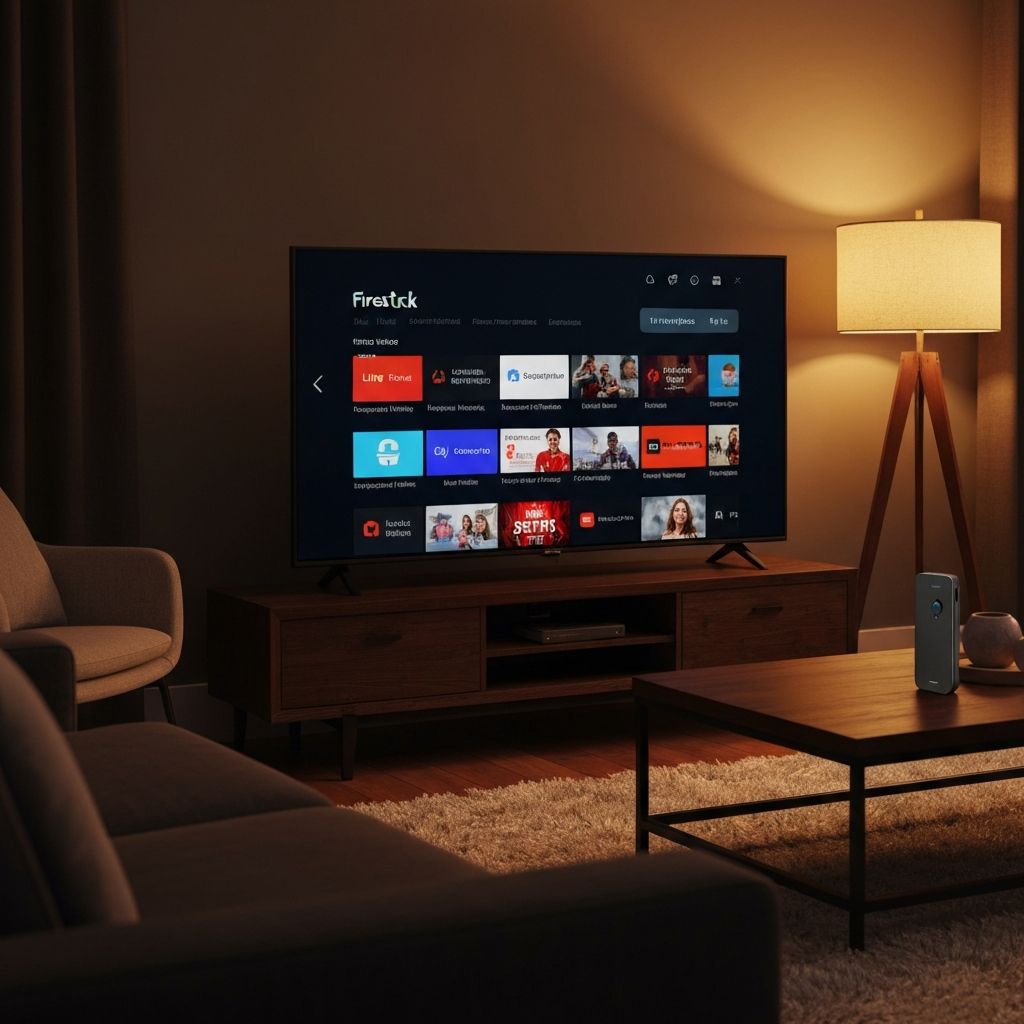
Amazon Firestick has become the most popular device for watching IPTV in Canada. With rising cable costs and limited content options, millions of Canadians are switching to IPTV streaming for better value and more entertainment choices. If you want to install IPTV on Firestick in Canada, this comprehensive step-by-step guide will walk you through the entire process in just a few minutes.
Whether you are new to cord-cutting or upgrading your streaming setup, the Amazon Firestick combined with a quality IPTV service like Tivoo offers access to thousands of live channels, movies, and sports at a fraction of traditional cable costs. For a broader overview of IPTV services, check out our complete guide to IPTV in Canada and our comparison of the best IPTV services in Canada.
What is IPTV on Firestick?
IPTV (Internet Protocol Television) delivers television content over the internet instead of through traditional cable or satellite signals. When you watch IPTV on Firestick in Canada, you are streaming live TV channels, movies, and on-demand content directly through your internet connection to your television.
The Amazon Firestick is a small streaming device that plugs into your TV's HDMI port. Once connected to WiFi, you can install IPTV player apps that connect to your IPTV subscription, giving you instant access to thousands of channels from around the world. This combination of affordable hardware and flexible IPTV subscriptions has made IPTV Firestick Canada one of the most searched streaming solutions.
Why Canadians Use Firestick for IPTV
The Amazon Firestick has become the preferred device for IPTV users across Canada for several compelling reasons:
- Affordable price: Firestick devices cost between $40 and $80 CAD, with no monthly rental fees like cable boxes.
- Easy setup: Simply plug into your TV's HDMI port and connect to WiFi. No technical expertise required.
- 4K streaming support: Firestick 4K and 4K Max models deliver stunning picture quality for compatible content.
- Portable design: Take your entire entertainment setup anywhere with WiFi access.
- Voice control: Use Alexa voice commands to search and control playback.
- App flexibility: Install multiple IPTV apps and streaming services on one device.
Requirements Before Installation
Before you install IPTV on Firestick in Canada, make sure you have the following:
- Amazon Firestick: Any model works, though Firestick 4K or 4K Max is recommended for the best streaming experience.
- Stable internet connection: Minimum 15 Mbps for HD streaming or 25+ Mbps for 4K content.
- Active IPTV subscription: You need login credentials (username, password, server URL) from your IPTV provider like Tivoo.
- TV with HDMI port: Any television manufactured in the last 15 years should have one.
- Amazon account: Required to set up and download apps on your Firestick.
Step-by-Step: How to Install IPTV on Firestick
Follow these detailed steps to install IPTV on Firestick in Canada. The entire process takes approximately 10 minutes.
Step 1: Enable Apps from Unknown Sources
IPTV player apps are not available in the official Amazon App Store, so you need to enable sideloading first. This is a standard and safe procedure.
- From the Firestick home screen, go to Settings (gear icon).
- Select My Fire TV (or Device on older models).
- Choose Developer Options.
- Turn on Install Unknown Apps or Apps from Unknown Sources.
- When prompted later, enable it specifically for the Downloader app.
Step 2: Install the Downloader App
The Downloader app is a free tool that lets you download and install APK files on your Firestick.
- Press the Search icon (magnifying glass) on your home screen.
- Type Downloader using the on-screen keyboard.
- Select the official Downloader app with the orange icon.
- Click Download and wait for installation to complete.
- Open Downloader and grant any requested permissions.
Step 3: Enter IPTV App URL and Install
Use Downloader to install your IPTV player app. Popular choices include IPTV Smarters Pro, TiviMate, and OTT Navigator.
- Open the Downloader app.
- In the URL field, enter the download link for your chosen IPTV app (provided by your IPTV service or found online).
- Click Go to start downloading.
- When the download completes, tap Install.
- After installation, select Done to return to Downloader.
- Delete the APK file to free up storage space.
Step 4: Login with Your IPTV Credentials
Now connect your IPTV app to your subscription service using the credentials from your provider.
- Launch your IPTV app from the Apps section on your Firestick.
- Select Add User or Login.
- Choose Xtream Codes API (recommended) or M3U URL as your login method.
- Enter your username, password, and server URL provided by your IPTV service.
- Tap Add User or Connect and wait for your channels to load.
That's it! You can now watch IPTV on Firestick in Canada with full access to live channels, movies, and on-demand content.
Best IPTV Apps for Firestick in Canada
Choosing the right IPTV player app significantly impacts your viewing experience. Here are the top apps recommended for Canadian Firestick users:
- IPTV Smarters Pro: User-friendly interface with support for Xtream Codes and M3U playlists. Offers EPG (Electronic Program Guide) integration and multi-screen viewing.
- TiviMate: Premium app with advanced features including catch-up TV, recording capabilities, and a sleek modern interface. Offers a free version with optional premium upgrade.
- OTT Navigator: Highly customizable with excellent EPG support. Great for users who want more control over their viewing experience.
- XCIPTV Player: Lightweight and fast with intuitive navigation. Supports multiple playlists and parental controls.
- Smarters Player Lite: A streamlined version of IPTV Smarters with essential features for everyday use.
Tips for Better Streaming (No Buffering)
Eliminate buffering and optimize your IPTV experience with these proven tips:
- Use a wired Ethernet connection: Connect your Firestick to your router using an Amazon Ethernet Adapter. Wired connections are more stable than WiFi and dramatically reduce buffering.
- Upgrade your internet speed: For HD streaming, ensure you have at least 15 Mbps. For 4K content, 25 Mbps or higher is recommended.
- Clear cache regularly: Go to Settings > Applications > Manage Installed Applications > [Your IPTV App] > Clear Cache. Do this weekly for best performance.
- Restart your Firestick: A weekly restart clears memory and improves performance. Hold Select + Play/Pause for 5 seconds to restart.
- Position your router strategically: Move your router closer to your Firestick or use a WiFi extender to strengthen the signal.
- Use 5GHz WiFi band: If your router supports dual-band, connect your Firestick to the 5GHz network for faster, less congested streaming.
- Close background apps: Force stop unused apps in Settings > Applications to free up system resources.
- Consider using a VPN: A quality VPN can bypass ISP throttling that sometimes affects streaming speeds.
Best IPTV Service for Firestick in Canada
Choosing the right IPTV provider is essential for a great streaming experience. Tivoo IPTV has become one of the most popular choices for Canadian Firestick users because it delivers everything cord-cutters need:
- 20,000+ live channels: Access Canadian networks (CBC, CTV, TSN, Sportsnet), American channels, UK programming, and international content from around the world.
- 60,000+ movies and series: Massive on-demand library with the latest releases and classic favourites, updated regularly.
- HD and 4K streaming: Crystal-clear picture quality for an immersive viewing experience on any Firestick model.
- Anti-freeze technology: Advanced server infrastructure ensures smooth, buffer-free streaming even during peak hours and live sports events.
- Works on Firestick, Smart TV, Android: One subscription works across multiple devices including all Firestick models, Android TV boxes, Smart TVs, phones, and tablets.
- Instant activation: Start watching within minutes of subscribing. No waiting, no complicated setup.
- 24/7 customer support: Get help anytime via WhatsApp for setup assistance or troubleshooting.
Ready to watch IPTV on Firestick in Canada? View Tivoo subscription plans and start streaming today. For more information about IPTV options, read our guide on the best IPTV services in Canada.
Frequently Asked Questions
Here are answers to the most common questions about IPTV Firestick Canada setup and usage.
Ready to Start Streaming IPTV on Your Firestick?
Join thousands of Canadians who have made the switch to IPTV. Get access to 20,000+ live channels, 60,000+ movies, and premium sports coverage with Tivoo. No contracts, instant activation.
Frequently Asked Questions
Is it legal to install IPTV on Firestick in Canada?
Yes, installing IPTV apps on your Firestick is completely legal in Canada. IPTV technology itself is used by major Canadian telecom providers like Bell, Rogers, and Telus. The key is choosing a reputable IPTV service provider like Tivoo.
What internet speed do I need for IPTV on Firestick?
For HD IPTV streaming on Firestick, a minimum of 15 Mbps is recommended. For 4K streaming, 25 Mbps or higher provides the best experience. A stable connection is more important than raw speed, so wired Ethernet connections work best.
Which Firestick model is best for IPTV in Canada?
The Firestick 4K Max offers the best performance for IPTV streaming with WiFi 6 support and faster processing power. However, all Firestick models including the basic Firestick Lite work well for standard HD IPTV streaming.
What is the best IPTV app for Firestick Canada?
The most popular IPTV apps for Firestick in Canada are IPTV Smarters Pro, TiviMate, and OTT Navigator. IPTV Smarters Pro is recommended for beginners due to its user-friendly interface, while TiviMate offers more advanced features for experienced users.
Why is my IPTV buffering on Firestick?
IPTV buffering on Firestick is usually caused by slow internet, WiFi interference, or server issues. Try using a wired Ethernet adapter, clearing your app cache, connecting to the 5GHz WiFi band, or moving your router closer to your Firestick. If problems persist, contact your IPTV provider for server recommendations.
Tivoo Team
The Tivoo team writes guides and tips to help Canadians get the most out of IPTV streaming.